Home Gate
Opening a gate should take one tap. A Bluetooth gate controller for elderly users, designed around the physics of a metal gate and the constraints of two mobile ecosystems.
- What we did
- Research, product, UX, mobile app, firmware, hardware install
- Platform
- iOS + Android (Flutter, BLE)
- Hardware
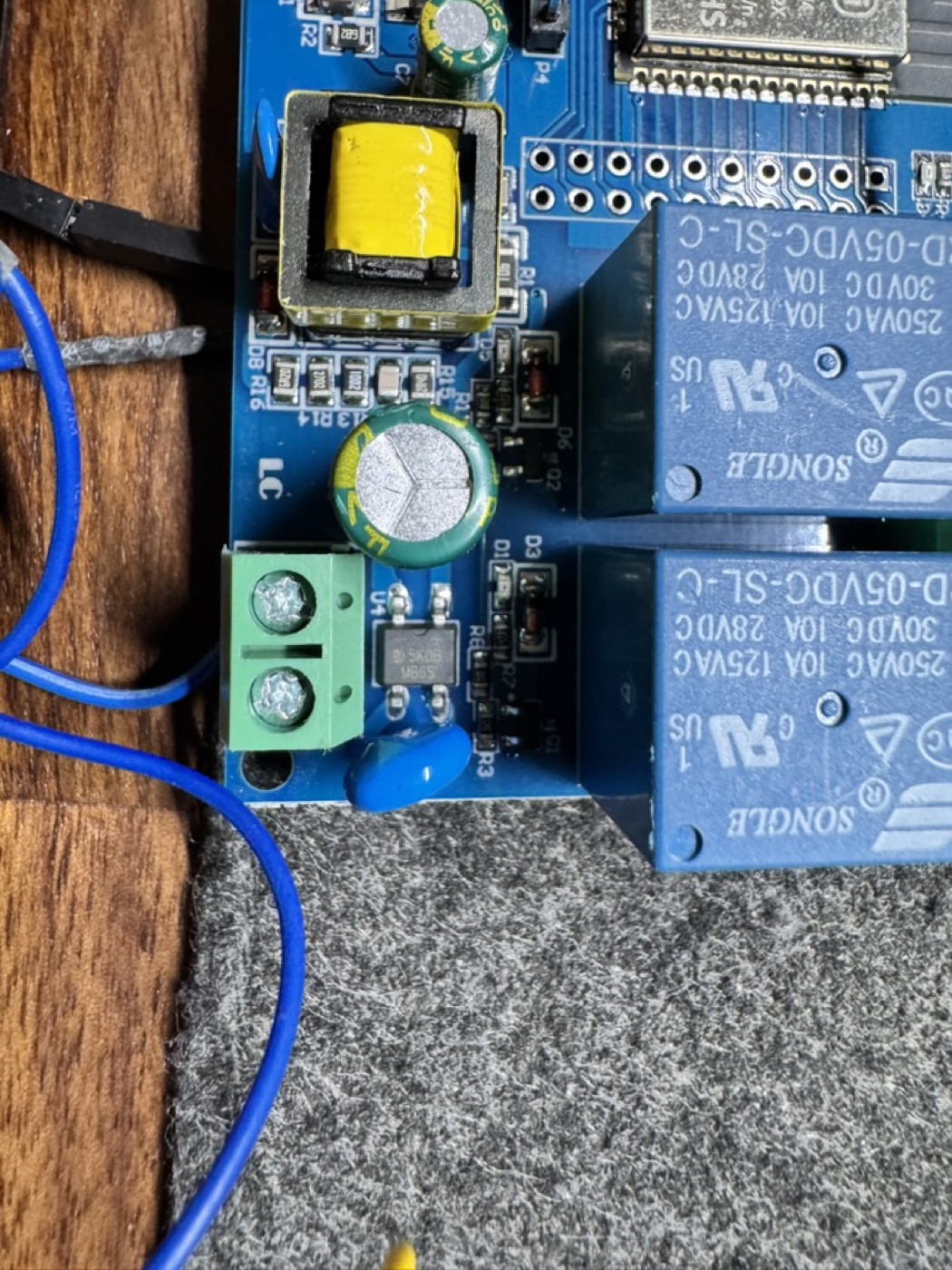
- ESP32 relay wired into an existing Beninca gate controller
- Distribution
- Google Play internal track, TestFlight, App Store
- Outcome
- Used daily by elderly users who never ask how it works
The clicker everyone keeps losing
A gate remote is a small plastic clicker that lives in a car. Batteries die, it slips between the seats, and when family comes over there's only ever one of them. Several people, elderly relatives among them, needed to open the same gate, usually from a car pulling into the driveway.
Success in one sentence: an elderly person with no technical training pulls up, glances at their phone, taps one button, and the gate opens. That is the entire user journey.
The interesting part wasn't the app
The app was the easy half. The real design work lived in physical and human constraints, most of them invisible until they were hit.
- Metal blocks radio. The controller sits behind a sliding metal gate. Closed, it's a Faraday cage; Bluetooth range collapsed the moment you stepped outside.
- Elderly users won't tolerate friction. An account, a PIN, a scan screen, a connection status to interpret: any one of these would have killed adoption.
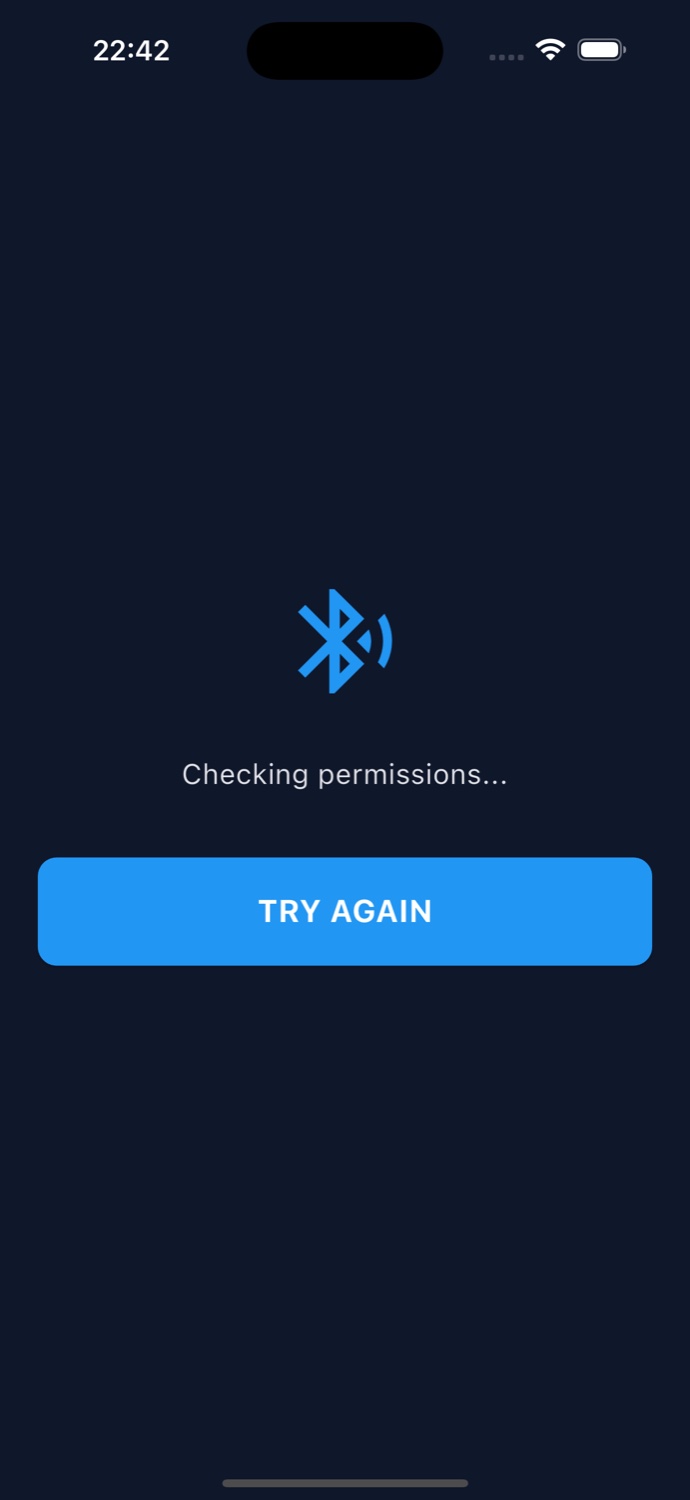
- iOS and Android disagree about Bluetooth. iPhone needs BLE, not the classic SPP most ESP32 tutorials use. Different protocol, different code on both ends.
- App Store review needs a demo mode. A gate opener tied to specific hardware fits Apple's rejection criteria almost perfectly.
Every tap beyond the first is a failure
Living with the users surfaced what interviews wouldn't: the stressful moment is pulling up with someone honking behind you. There is less than one second between the tap and the thought 'it worked.'
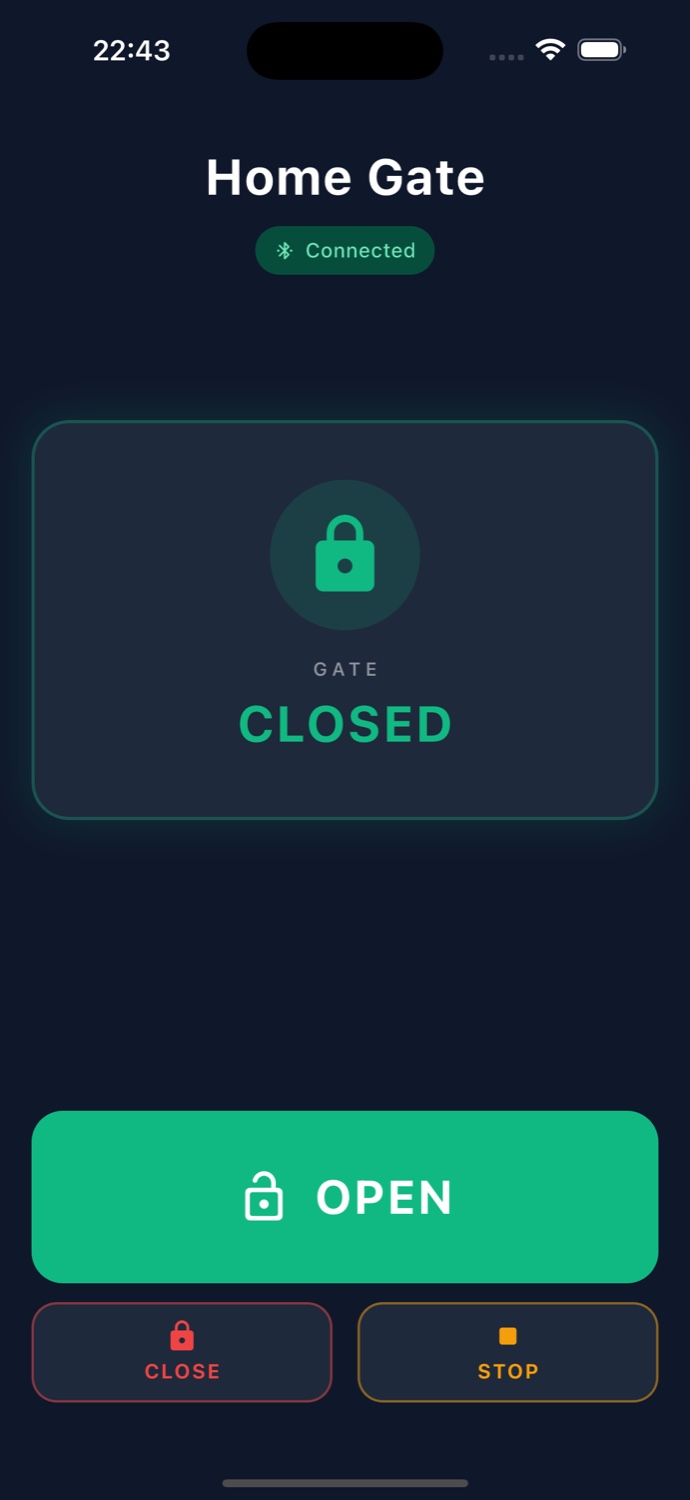
- One primary action. A single large OPEN button owns a third of the screen.
- Live status, not a spinner. CLOSED green, OPENING amber, OPEN red.
- Optimistic UI. Tapping shows OPENING instantly, before the gate reports back.
- Auto-connect, no scan screen, no PIN, no account. Security comes from physical BLE range.
- Dark by default. Cars, night, bright sun.
A virtual finger on the wall button
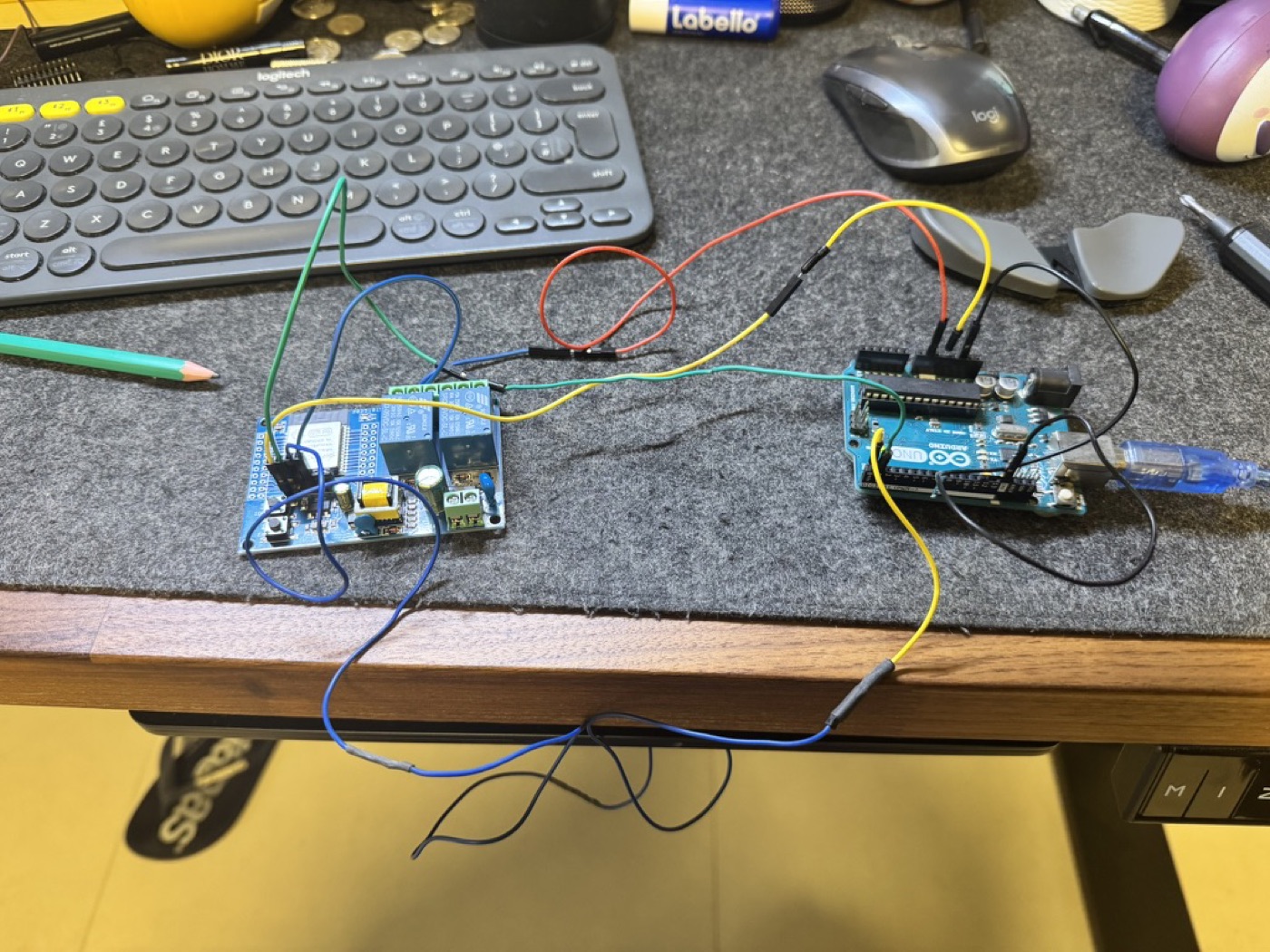
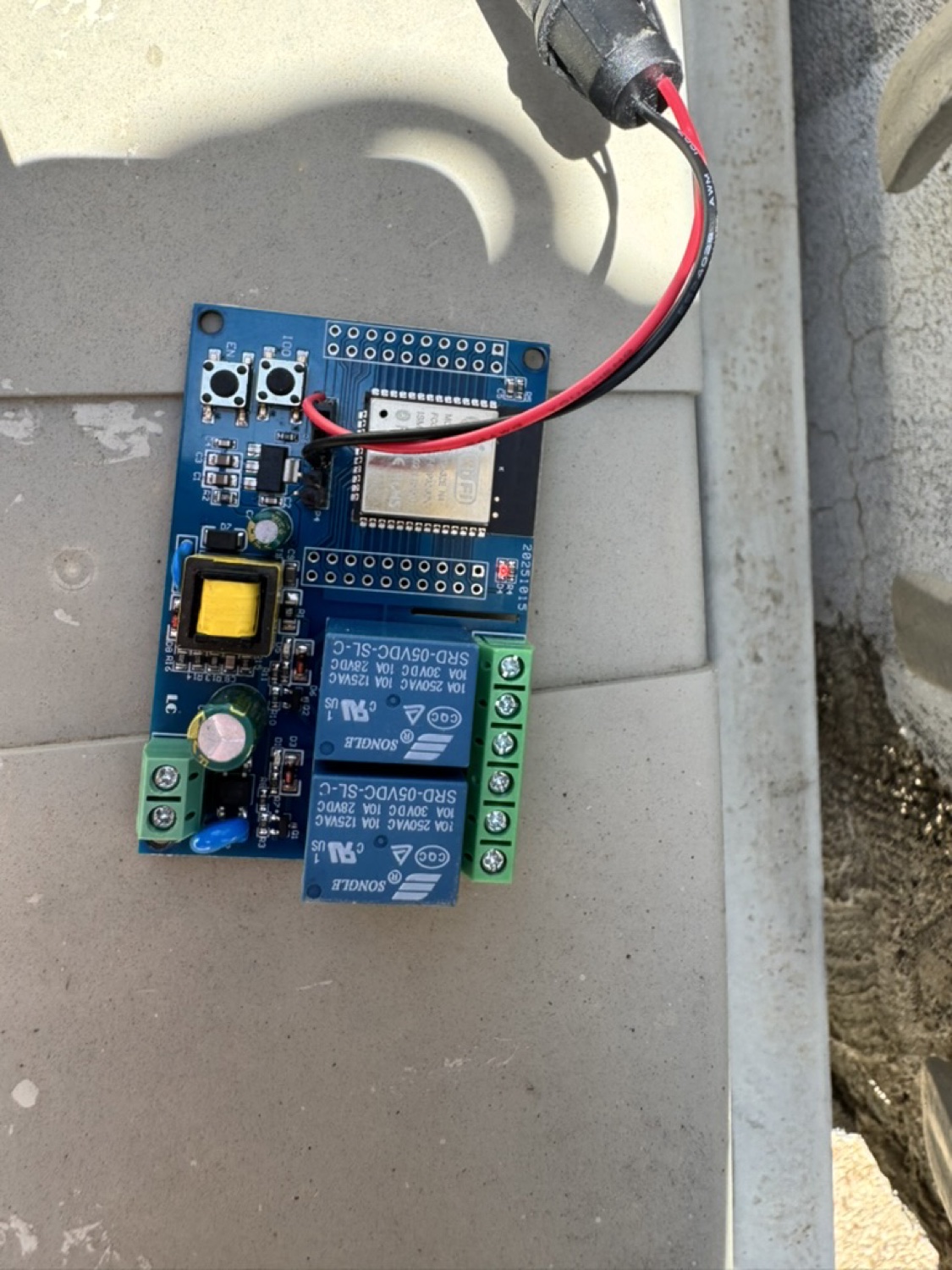
An ESP32 relay sits in parallel with the existing wall button, so the gate controller sees exactly the same signal as a human press. Nothing about the original installation changed; if the ESP32 ever fails, the wall button still works. Moving the board out of the metal enclosure improved range five-fold, more than any antenna tweak. Hardware placement is a UX decision.
The best interfaces are the ones people stop noticing.
Home Gate
Shipped to both stores
The app runs on several iPhones and Android phones, distributed through Google Play's internal track and TestFlight, then submitted to the App Store with a reviewer demo mode. The elderly users open the gate every day and have never asked how it works. The friction they used to accept, the hunt for the clicker, dead batteries, the walk to the intercom, has quietly disappeared.